> For the complete documentation index, see [llms.txt](https://docs.shortcutco.com/llms.txt). Markdown versions of documentation pages are available by appending `.md` to page URLs; this page is available as [Markdown](https://docs.shortcutco.com/readme/configuration.md).

# Settings

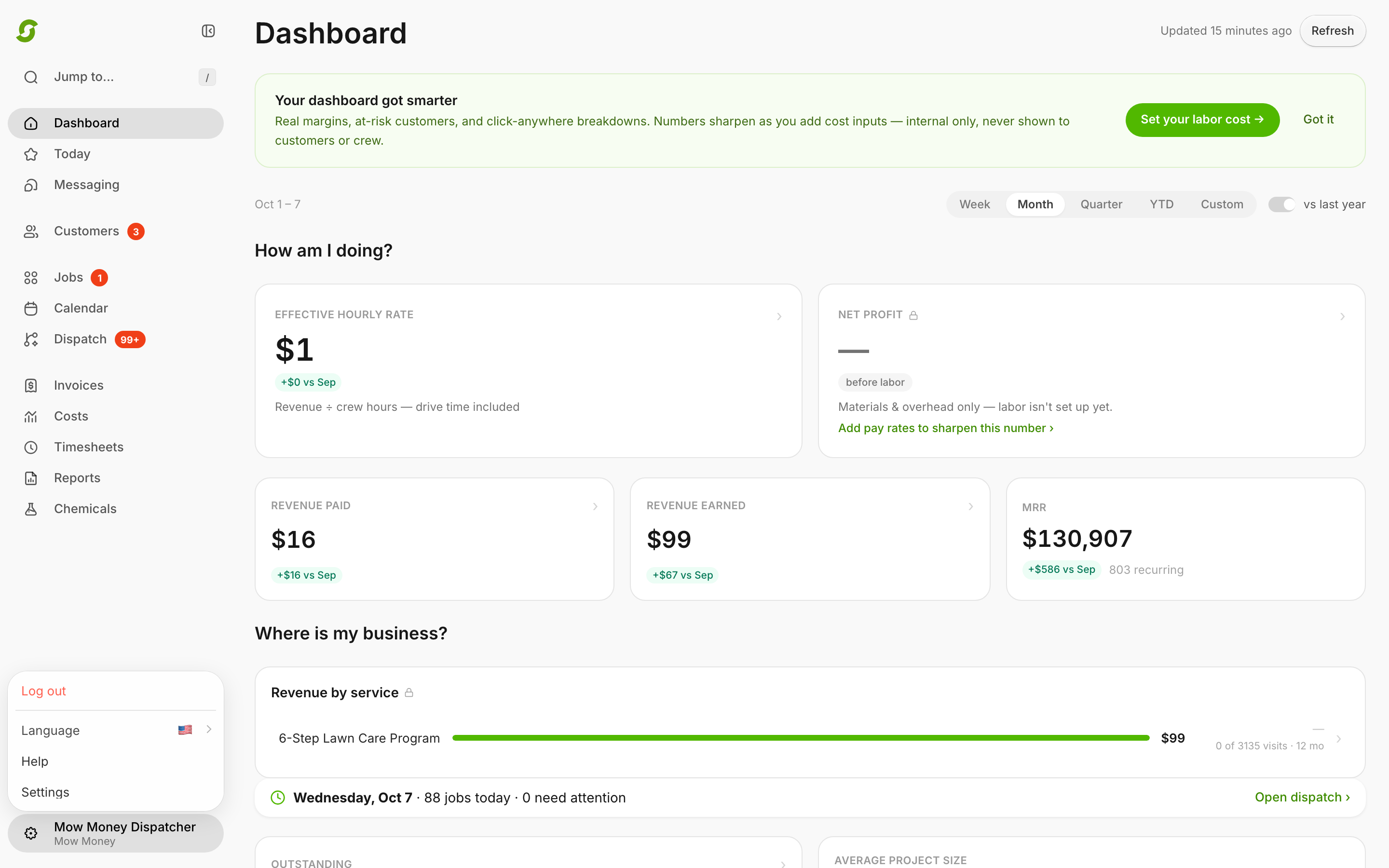
Click the **settings cog** at the bottom-left of the sidebar. Everything below lives there.

## What's inside

* **Company Setup**
  * **Company & Brand** — business name, logo, phone, address. Appears on proposals and invoices.
  * **Lead Capture** — your website lead form (embed, link, redirect).
  * **Tags** — your own customer labels, like VIP or Commercial.
  * **Custom Fields** — the extra details you track on every customer, like gate codes and pets.
* **Operations & Compliance**
  * **Operations Defaults** — daily job capacity and route start/end addresses.
  * **Inbox Notifications** — how you're alerted about new customer text replies.
  * **Chemicals** — the chemical tracking module.
* **Billing & Payments**
  * **Plan & Billing** — your Shortcut subscription.
  * **Customer Payments** — Stripe, offline payments, default invoice handling, processing fee, sales tax, late fees.
* **More**
  * **Catalog** — [Services](/readme/configuration/services-pricing-structures.md) and [Templates](/readme/configuration/templates.md): what you sell.
  * **Workforce** — users, teams (crews), licenses, pay rates.
  * **Website** — your hosted marketing site.
* **Integrations** — [QuickBooks Online](/readme/configuration/quickbooks-integration.md).

## Recommended setup order (fast path)

1. **Customer Payments** — connect Stripe (or choose offline payments).
2. **Catalog → Services** — create the services you sell.
3. **Workforce** — invite users and create your crew(s), if you have employees.
4. **Operations Defaults** — set max jobs per day.
5. **Company & Brand** — logo and business identity.
6. **Lead Capture** — website lead form (optional).

{% hint style="info" %}
Still stuck? Email **<hello@shortcutco.com>** with a screenshot of the settings page you're in.
{% endhint %}
