> For the complete documentation index, see [llms.txt](https://docs.shortcutco.com/llms.txt). Markdown versions of documentation pages are available by appending `.md` to page URLs; this page is available as [Markdown](https://docs.shortcutco.com/readme/customer-portal.md).

# Customer portal

{% hint style="info" %}
Signing up is optional. Customers can still receive proposals, schedule notifications, and invoices without creating an account.
{% endhint %}

## When to use this

* A customer asks how to set up **autopay**
* A customer asks where to view past invoices
* A customer wants to see upcoming work
* A customer wants to **manage their payment method**

## What customers can do in the portal

* Set up and manage **autopay** ([/client/autopay](https://shortcutco.com/client/autopay))
* View past **invoices** ([/client/invoices](https://shortcutco.com/client/invoices))
* View **payment history** ([/client/payments](https://shortcutco.com/client/payments))
* Manage their **payment method** via Stripe's secure portal

Signed-in customers land on their **Invoices** page; Payments and Autopay are the other tabs. You can see whether a customer has portal access on their profile (the portal invite state in the contact card).

Invoices can also include **photos and notes from the visit** that your crew chose to share — customers see the proof of work right on the bill.

## How autopay works (high level)

{% stepper %}
{% step %}

### Invoice generation

When a job is marked complete, Shortcut generates and sends an invoice.
{% endstep %}

{% step %}

### Autopay check

If autopay is enabled, the customer can be charged automatically.
{% endstep %}

{% step %}

### Manual payment

If autopay is not enabled, the customer receives a pay link by SMS/email.

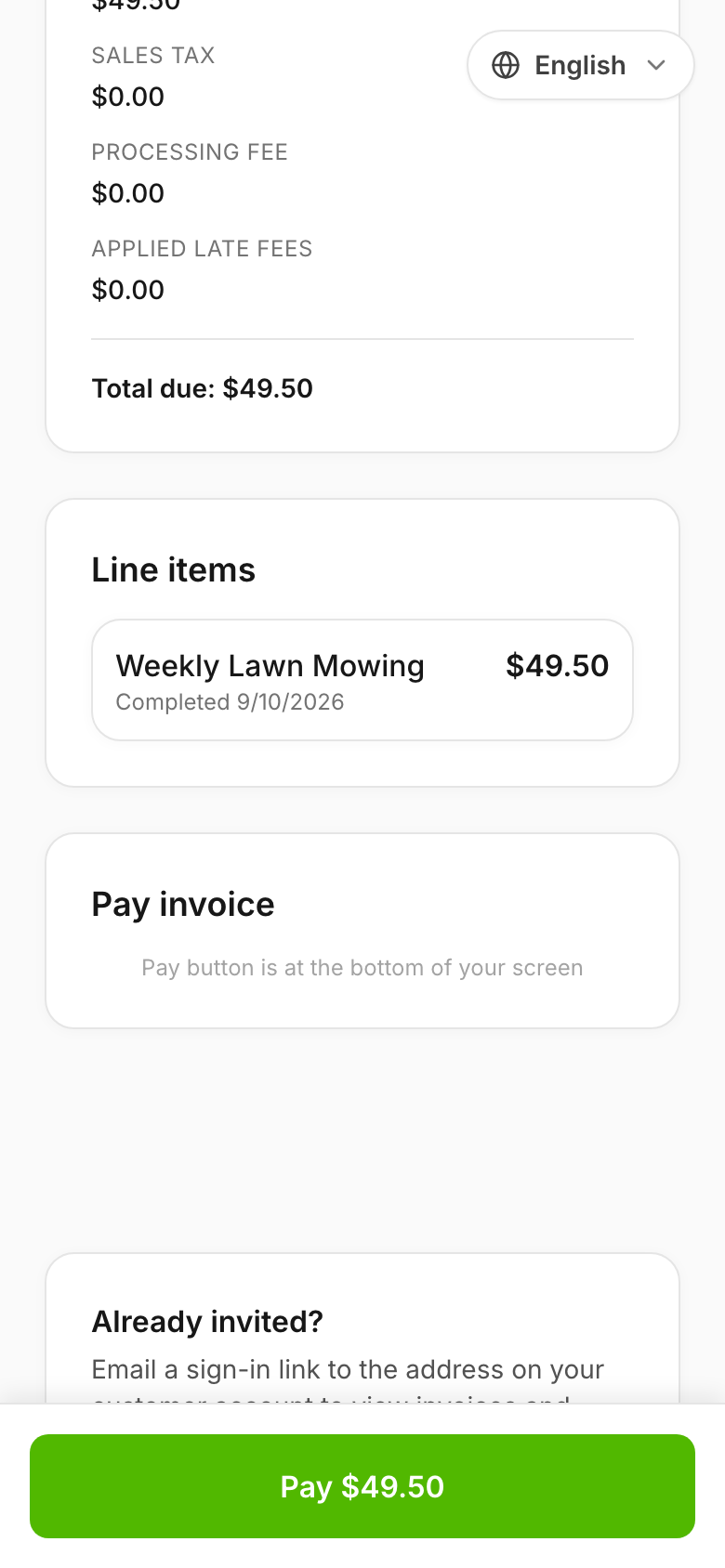
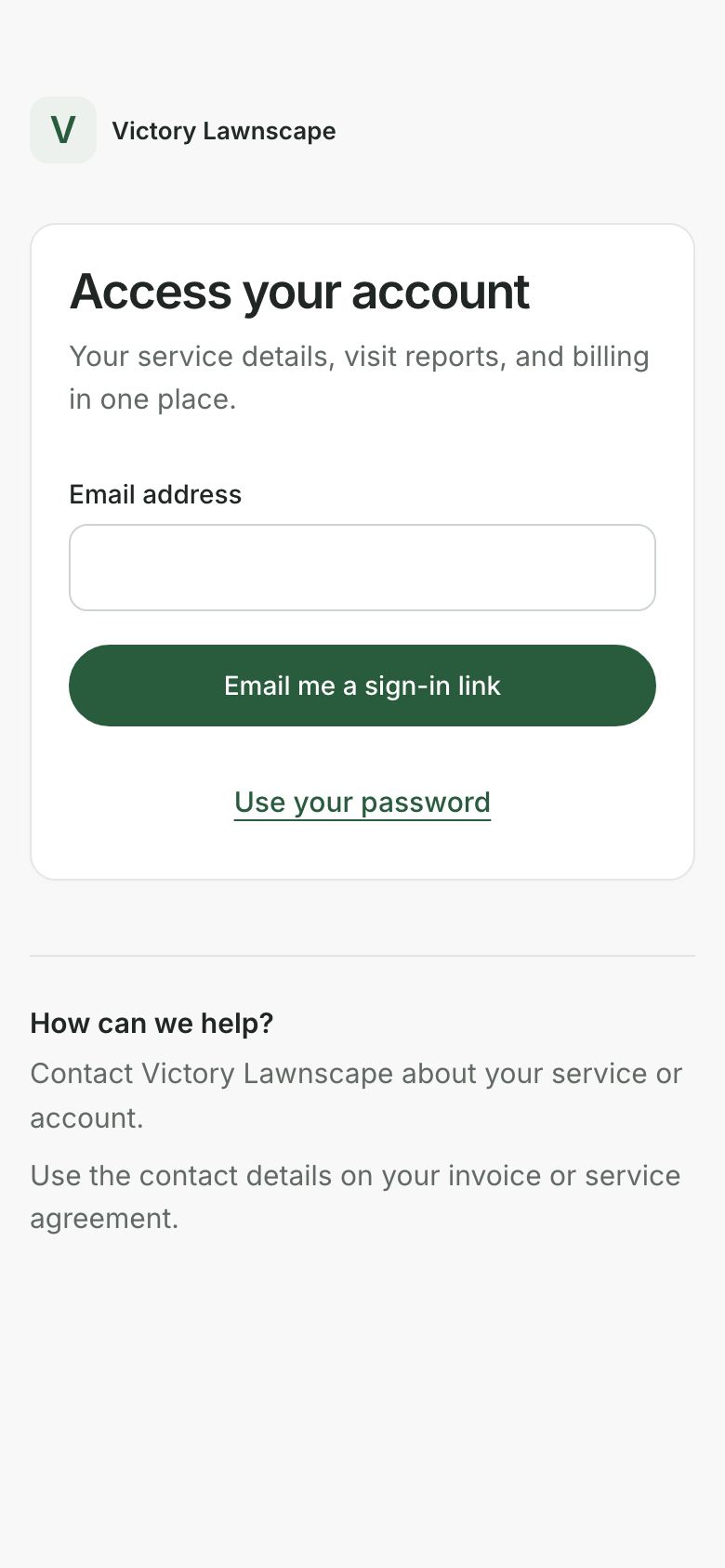
<figure><img src="/files/jZR6zxmIJLLUrsbD1BMh" alt="Mobile public invoice payment page"><figcaption><p>Customers can pay from an invoice link even without a portal account.</p></figcaption></figure>

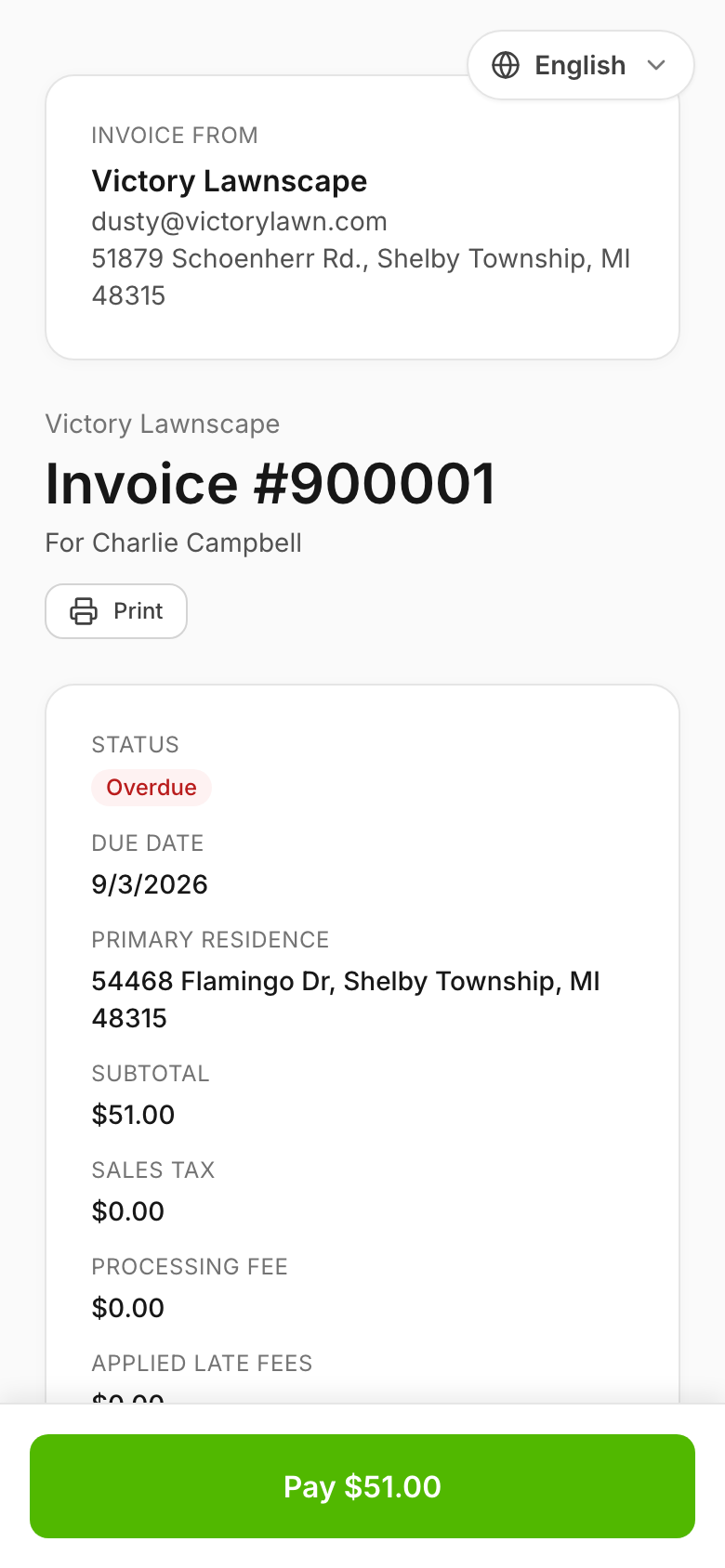
<figure><img src="/files/AmbsMAPw14LifHWvYEdB" alt="Mobile invoice showing subtotal, tax, and total"><figcaption><p>The invoice page shows the amount due before payment.</p></figcaption></figure>
{% endstep %}
{% endstepper %}

## Common questions

<details>

<summary>Do I have to sign up?</summary>

No. Customers receive proposals, invoices, and notifications without an account.

</details>

<details>

<summary>Where do I turn on autopay?</summary>

In the customer portal at [/client/autopay](https://shortcutco.com/client/autopay).

</details>

<details>

<summary>How do I update my payment method?</summary>

In the customer portal, go to payments and click to manage your payment method through Stripe's secure portal.

</details>

## Related pages

* [Finances overview (invoice list + filters)](/readme/finances-invoices-and-payments/finances-overview-invoice-list-+-filters.md)
* [Mark an invoice as paid](/readme/finances-invoices-and-payments/mark-an-invoice-as-paid-manual.md)
* [Worker app overview](/readme/worker-app/worker-app-overview.md)

## Still stuck?

Email **<hello@shortcutco.com>** with the customer name and what they're trying to do.