> For the complete documentation index, see [llms.txt](https://docs.shortcutco.com/llms.txt). Markdown versions of documentation pages are available by appending `.md` to page URLs; this page is available as [Markdown](https://docs.shortcutco.com/readme/jobs-and-scheduling/mark-a-job-complete-and-what-happens-next.md).
# Mark a job complete (and what happens next)
Marking a job complete is the moment Shortcut knows it's time to invoice and collect payment. The steps below are the default; customers on scheduled or offline billing, or with active prepay coverage, are billed per their [billing mode](/readme/finances-invoices-and-payments/billing-modes.md) instead.
## Who can complete a job
* A **worker** in the Worker app ([/today](https://shortcutco.com/today)) — the **Finish** button
* An **admin** in [Dispatch](https://shortcutco.com/dispatch) — **Complete Stop** (single or bulk)
Tracking chemicals? A crew can't finish a chemical visit until its chemical record is completed. Completing it from Dispatch completes the record for them with the planned amounts. See [When a visit won't complete](/readme/chemical-tracking.md#when-a-visit-wont-complete).
## What happens next
{% stepper %}
{% step %}
### Job is marked complete
The job status changes to complete, and Shortcut records **when** and **by whom**.
Completing the visit triggers the billing sequence for that work.
{% endstep %}
{% step %}
### Shortcut creates an invoice automatically
An invoice is generated with its own invoice number (your numbering starts at 1000). If the visit had several services, they're billed together on **one invoice** — the customer never gets two invoices for one visit. Completing a job twice won't create a duplicate invoice.
If **more than one crew** was on the stop, the invoice waits until the visit as a whole is finished — not when the first crew leaves. See [Split visits and sending more than one crew](/readme/dispatch/split-and-shared-visits.md).
{% endstep %}
{% step %}
### The invoice is sent to the customer as a payment request
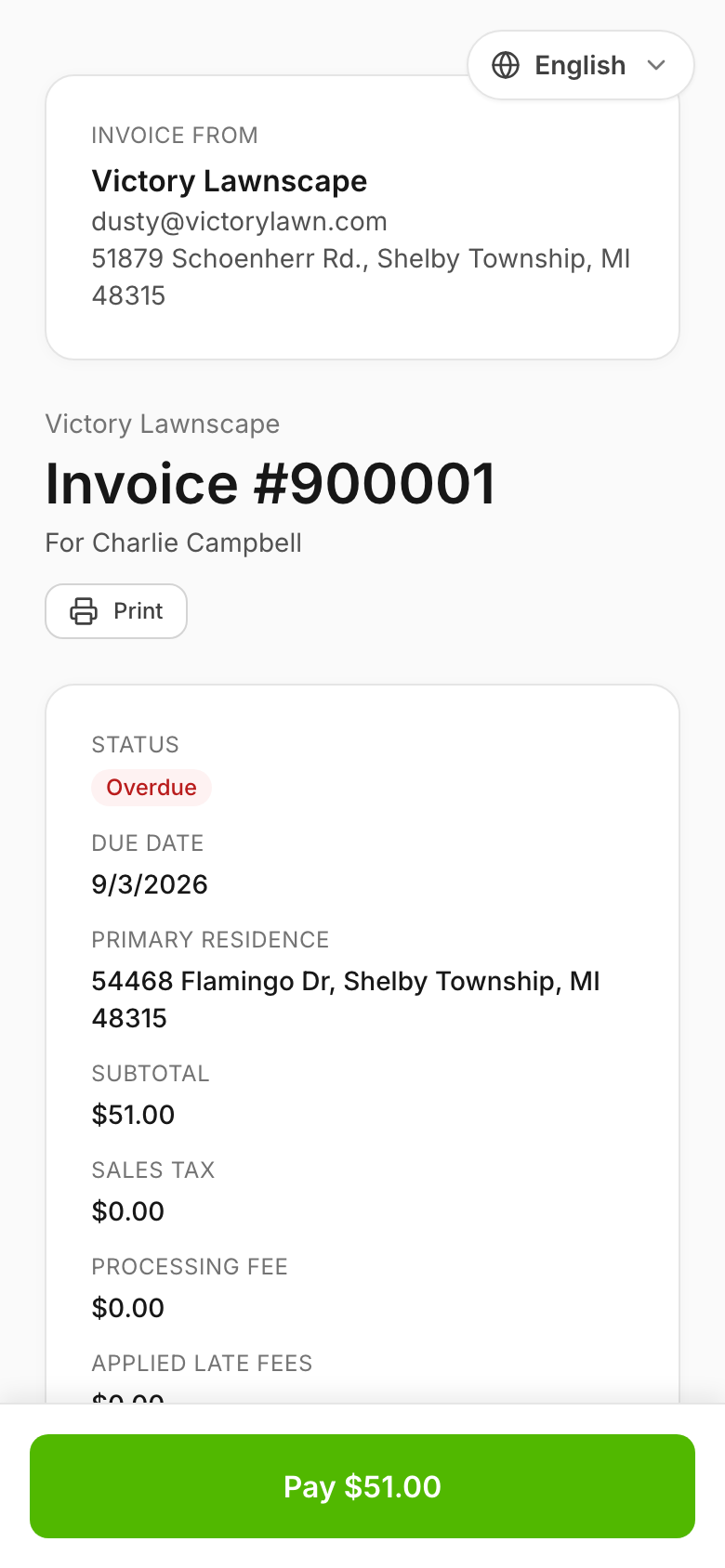
Shortcut sends the invoice to the customer by text and/or email, with a secure link where they can view and pay it.
The customer receives a payment link after the invoice is created.
{% endstep %}
{% step %}
### Payment behavior
* If autopay is enabled: the customer may be charged automatically.
* If not: the customer pays from the invoice link, with Apple Pay or Google Pay, or by tapping **Pay** to use Stripe's secure checkout page. See [How customers pay an invoice](/readme/finances-invoices-and-payments/how-customers-pay-an-invoice.md).
{% endstep %}
{% endstepper %}
{% hint style="info" %}
**Using the customer portal?** The invoice shows up under the customer's **Billing** on its own, but the visit itself only appears as a service report once someone in the office publishes it — at the earliest, a few minutes after completion. See [Publish a service report](/readme/customer-portal/customer-portal-set-up-invite-and-publish.md#publish-a-service-report).
{% endhint %}
## GPS check-in (Worker app)
When a worker arrives at a job and checks in via the [Worker app](https://shortcutco.com/today), Shortcut can capture their **GPS location** for verification.
## Still stuck?
Contact support
Email with the job date + customer name + a screenshot of the job status.