> For the complete documentation index, see [llms.txt](https://docs.shortcutco.com/llms.txt). Markdown versions of documentation pages are available by appending `.md` to page URLs; this page is available as [Markdown](https://docs.shortcutco.com/readme/start-here-get-set-up-send-a-proposal-and-get-paid/later-optional-intake-form-website-leads.md).
# Later (optional): Lead Capture (website leads)
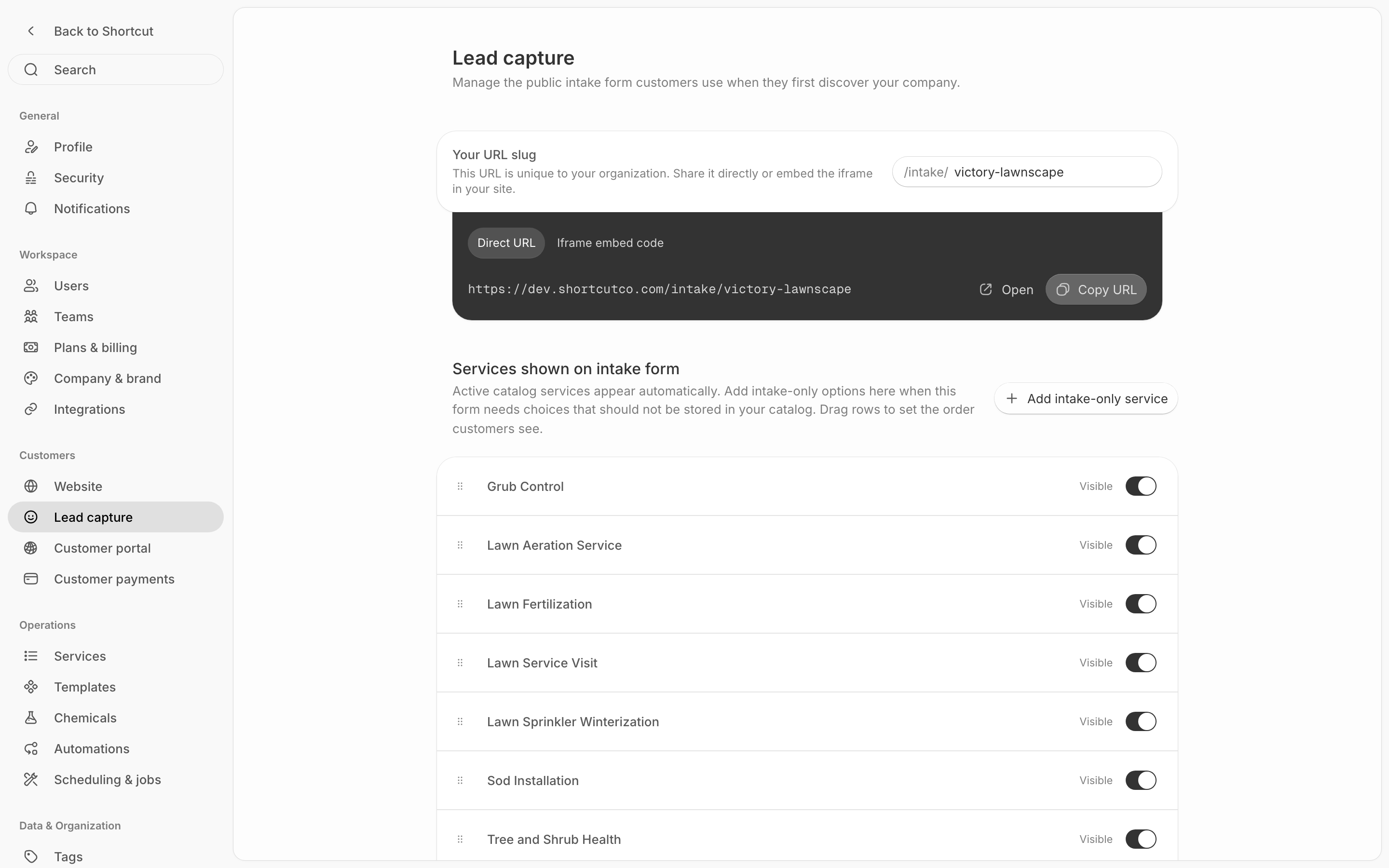
Use the Lead capture form (**Settings → Customers → Lead capture**) if you want leads from your website to show up automatically in Shortcut.
If you don’t have a website (or don’t want to touch code), skip this.
For the step-by-step (the form link, the embed code, and which services it offers), see [Lead capture](/readme/configuration/intake-form-tracking-+-embed-+-redirect-+-services.md).
Start from Lead Capture settings to copy the website form link.
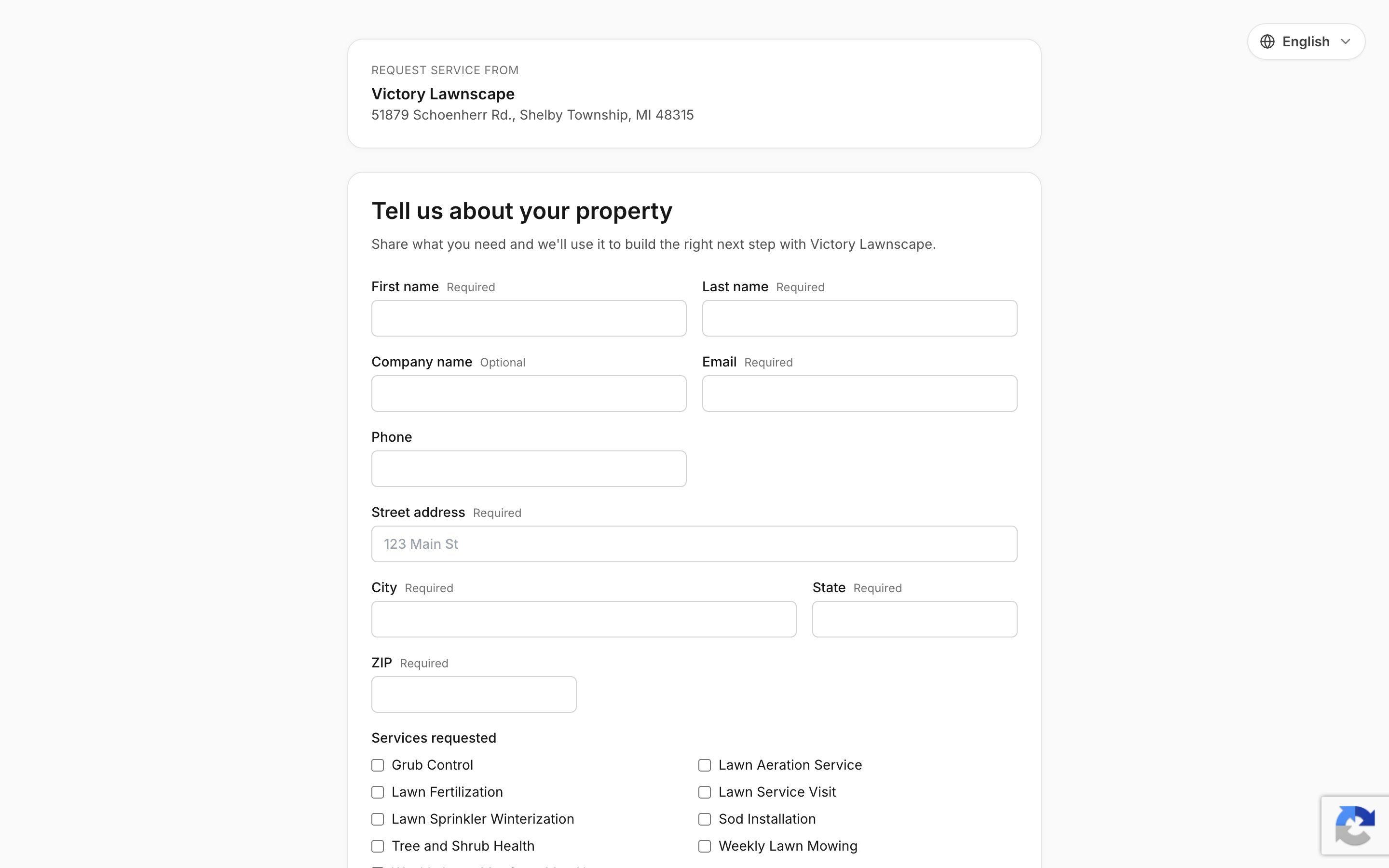
Website visitors use this form to become new leads.
{% hint style="info" %}
Still stuck? Email **** with your website platform (Wix/Squarespace/WordPress/etc.).
{% endhint %}